Let’s Get Started:
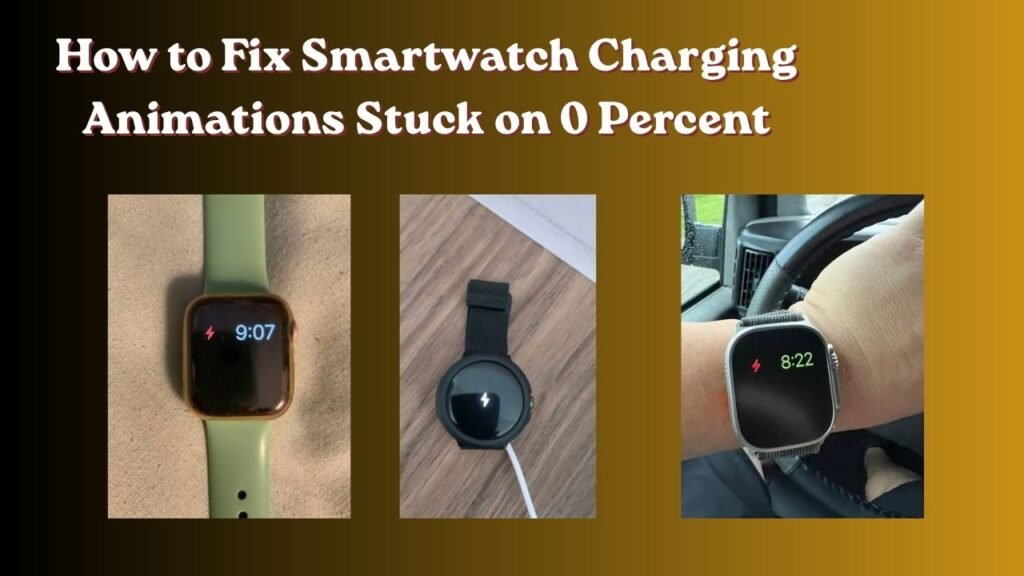
Look brother if the issue of How to Fix Smartwatch Charging Animations Stuck on 0 Percent is still appearing on the screen of your smartwatch even after charging it and the percentage is not going up then there is no need to worry at all. This is a very common technical issue which often occurs when the battery of your watch gets completely drained due to not being used for a long time.
In fact when a gadget is battery runs out of battery power users often assume the charger is Damaged or the watch is motherboard is damaged. But The truth is With a little smart troubleshooting you Can easily fix this problem without incurring any additional costs. In this article we will explain in detail why This happens and How to fix it step-by-step.
Smartwatch Charging Animations Stuck on 0 Percent?
Simply put when a smartwatch is lithium-ion battery is drained beyond its limits it enters a deep discharge state . In this state the battery is voltage drops below a safe operating limit.
When you connect your charger the internal chip inside the watch needs some power to turn on the screen and boot up the charging animation. But the battery is so weak that it can not handle the incoming current.
Apart from this there are some other main reasons as well:
-
Dirty Charging Pins: Due to Accumulation of Dust or Sweat on the Metal contacts On The back of the watch a proper Connection Cannot be established.
-
Low-Output Power Sources: Laptop USB Ports or weak power banks may not provide enough current to kickstart a Deep-discharge battery.
-
Extended Zero-State: If the battery remains at zero for more than 3 or 4 hours the internal safety circuit simply refuses to draw current.
Otherwise people end up buying new chargers or expensive batteries without thinking, when the real reason is simply a voltage drop .Official Smartwatch Troubleshooting Guide But you can still check its interesting technical details.
Easy Ways to Fix It at Home
If your watch is also caught in this 0% trap then check out these simple steps that you should follow at home: