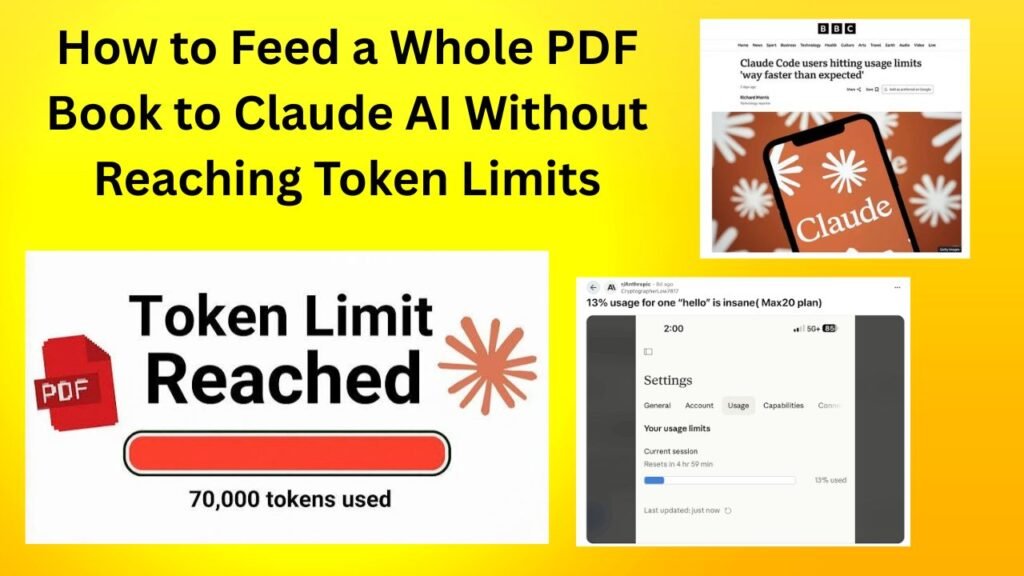
Introduction:
Look these days whenever we need a summary or analysis of a big research paper a technical manual or a 500-page PDF book the first thing that comes to our mind is Cloud AI. Cloud is known for its amazing long-context capabilities but even when you directly drag-and-drop a whole thick book many times it throws up errors like token limit or file size exceeded. To avoid this frustration you should know some smart hacks.
Basically if you want to understand How to Feed a Whole PDF Book to Cloud AI Without Reaching Token Limits you will first need to know how Cloud references behave on the Windows backend. In this guide we will discuss in detail how you can process large books without token exhaustion.
The simple meaning of this is that if you know the right chunking and compression techniques no PDF book will be too much of a task for you. Let’s get started and see the technical tricks.
Decoding User Intent and Claude is Token Architecture
When users search for how to feed large PDF books to Cloud AI their primary intent is zero-loss data extraction and deep analytical summaries. These People are often researchers Students or content creators who want to Convert hours of reading into minutes.
So the thing is Cloud has a powerful context Window (like Cloud 3.5 Sonnet with a capacity of about 200k tokens) which equates to roughly 150,000 words or 300-400 pages. But if your book is 500 or 800 pages or has heavy graphics and tables the raw text may exceed the token count limit.
-
Token Consumption Factors: Not Only text count but formatting punctuation and special characters also consume tokens.
-
API vs Web Interface Limits: File upload Limits are different on the web chat interface while the ways for developers to manage limits through APIs are different.
You can view more technical specifications about this. Anthropic Documentation But you can go.
The Technical Mechanism Behind Context Windows and File Size Limits
The next thing to understand is how LLMs process tokens. when You upload a PDF The underlying OCR (Optical Character Recognition) Engine extracts its text and Tokenizes it into tokens.
When the Total number of Tokens reaches the model’s maximum limit the system Starts truncating old tokens causing the middle part of the book to disappear and the AI to return incorrect or false information. Therefore smart strategies must be used instead of a Direct raw dump.
-
Semantic Chunking: Feeding The book by breaking it into chapters or modules.
-
Text Compression: Unnecessary Boilerplate text indexes and blank Frist pages remove.
We have a solid step-by-step framework for Tackling this problem.
How to Feed a Whole PDF Book to Claude AI Without Reaching Token Limits
Look brother if You want to get The entire book read by Cloud Without any token error then follow the 4 steps Given below:
Pre-clean and optimize the PDF
First delete unnecessary pages from your PDF file such as copyright notices blank pages and index tables. This will directly help you save 20-30% of your tokens. I Love PDF You can split or compress PDF using tools like.
Chapter-wise Incremental Uploading
If the Book is extremely long (e.g. 600+ Pages) do not send it all At once. Give Claude Chapters 1 to 5 first then the Next chapters in the next Prompt. After Each section ask Claude to Maintain a Running Summary Of the Key Takeaways.
Project Knowledge Base of Use
Cloud Pro users Have access to a Projects Feature where you can Upload multiple files and create a Dedicated workspace. This feature Works in the Background Like RAG (Retrieval-Augmented Generation) and Efficiently Manages Token limits.
Keep Context Focus With Targeted Prompting
When you upload a large File Never say: Read this book. Instead give a specific prompt: Analyze chapters 1 to 4 of this Uploaded document and extract only the financial strategies Mentioned. This keeps the Model Focused and Does not Waste tokens.
Advantages or Disadvantages of Workflows
All AI models handle large documents differently. Let’s take a quick comparison:
| AI Model / Tool | Max Context Window | Large PDF Handling | Best Suited For |
| Claude 3.5 Sonnet (Projects) | 200k+ Tokens | Excellent (Workspace RAG) | Deep book analysis & research |
| ChatGPT Plus (GPT-4o) | 128k Tokens | Good (Advanced Data Analysis) | Running Python code on PDFs |
| Google Gemini 1.5 Pro | 1 Million+ Tokens | Massive (Direct Full Book Dump) | Massive textbooks & video files |
Advantages / Disadvantages of Breakdown
-
Advantages of Claude is Project Approach:
-
Exact context retention.
-
Hallucinations are less because the document remains grounded.
-
-
Disadvantages of Direct Uploading:
-
The web UI sometimes hangs for very large books.
-
Token limits may get exhausted Quickly if proper chunking is not done.
-
Frequently asked Questions
Can I Upload a complete PDF Book of 1000 pages to Cloud At once?
Basically if the text format is light and the total tokens are under 200k you can upload it all at once using the Projects feature of Cloud Pro. But if the file is heavy then chapter-Wise Chunking is the Best way.
How many files can be Uploaded to Cloud’s Projects feature?
In Cloud Projects you can upload multiple reference files and documents so that the entire workspace can reference them all which is ideal for an entire book or multiple research papers.
Is Gemini Pro better than Cloud for book reading?
Gemini 1.5 Pro has a window of 1 million+ tokens so if you need to process an entire massive book at once without fragmentation Gemini has a larger window. However people prefer Cloud for its logical depth and writing style.
How does Cloud read PDF images and charts?
Cloud is vision-capable so if the PDF contains charts or diagrams it can visually analyze them provided the file size and resolution limits are met.
What to do if a token limit error occurs?
If the limit is crossed then refresh the chat and either create a new project or delete the previously uploaded heavy pages and upload only the relevant chapters.
Last tip: Most importantly smart preprocessing and structured prompting make even the largest documents easily digestible via the cloud.
Advanced Prompt Engineering Strategies for Document Parsing
Look if you do not want to run out of Cloud tokens while processing large PDF books you will have to use advanced chunk prompting. Basically when we feed LLMs a long document their Lost in the Middle phenomenon is activated which means the model remembers the starting and ending text but misses the details of the chapters in between.
To avoid this problem you should use cascading prompts. When you upload a book chapter attach this specific constraint to it: Extract all core arguments case studies and numerical data from this section into a structured JSON-like bulleted format omitting conversational filler. This method keeps your output tokens clean and the model locked on high-value information.
Leveraging Prompt Caching for Cost and Speed
The next thing you should know is Cloud’s prompt caching capability. If you repeatedly upload the same book or large document for different prompts, Anthropic’s caching system keeps that document in active memory. This not only conserves your token limit but also doubles the response generation speed on the API or Web UI.
Document Processing Tools and Workflows
If you are finding that even standard PDF uploads are burning tokens too quickly there are some external tools and alternative pipelines that make document parsing ultra-efficient.
NotebookLM (Google): This tool is specifically designed for documents PDFs and source material. You can upload your entire book here to create a custom knowledge base that provides answers with exact citations without token bloat.
Custom Python Parsers (PyPDF / LangChain): If you are tech-savvy you can write a simple Python script to convert the PDF to Markdown format and feed only the relevant sections to Cloud via the API.
What this simply means is that if you use pre-processed text pipelines instead of direct file dumping even the largest documents can be handled easily.
Final Think
Most importantly running any full PDF book on Cloud AI is only successful if you have a proper preprocessing and chunking strategy. Blindly dragging and dropping heavy files will always exhaust token limits and degrade output quality.
Pro Tip: Always use the Workspace feature of Cloud Projects for unlimited or heavy files or adopt a chapter-wise breakdown approach.
Final Tip: With proper planning and smart token management you can have even the largest research document or book summarized in minutes.